A practical Wi-Fi routine for a shared community workspace
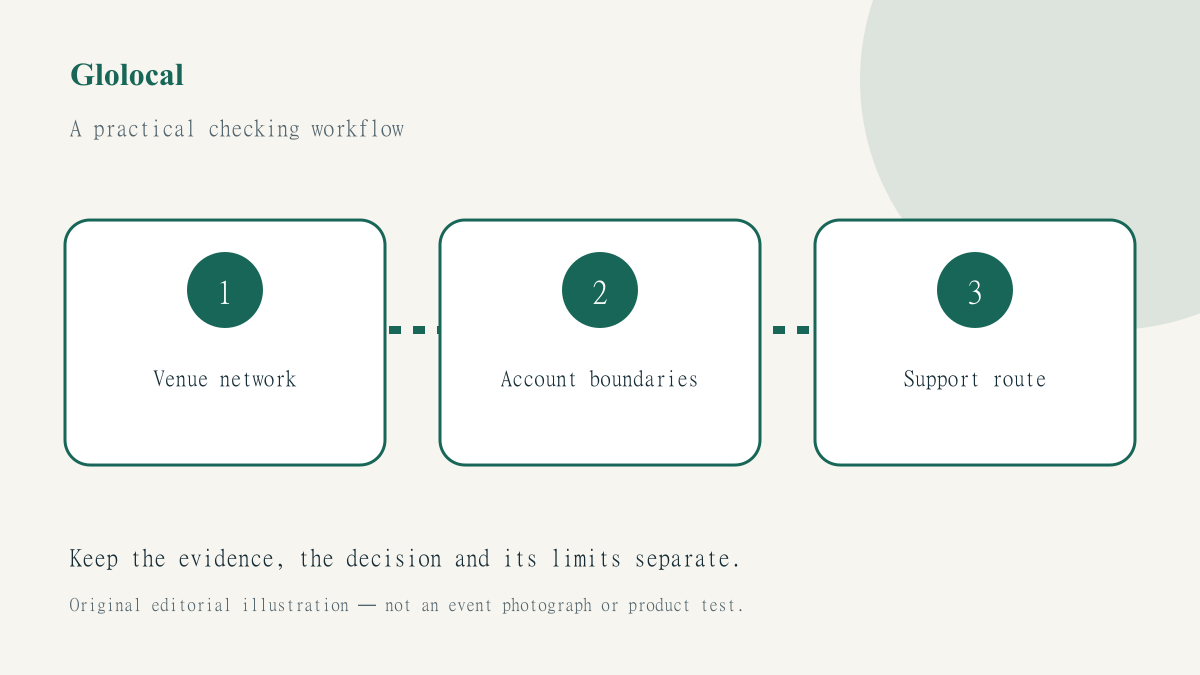
A community workspace can make it easy to meet, collaborate and get online. It does not remove the need to understand which network you are using or which service you are about to open. A useful routine should be simple enough for a visitor to follow without asking volunteers to make security promises they cannot verify.
The public Wi-Fi checklist provides the starting principles. This Glolocal guide applies them to a hypothetical shared workspace or community venue. It does not certify a real venue’s network, recommend bypassing its rules or claim that a VPN makes every activity safe.
Make network identification understandable
Visitors need the venue’s genuine network name and documented sign-in process. Ask the responsible staff or organiser rather than relying on the strongest signal or a familiar-looking name. A printed notice should explain how to find help, but should not require people to install an unknown certificate, profile or utility just to get online.
Keep staff roles realistic. A volunteer may be able to confirm the network name without knowing the technical details of every visitor’s device. They should be able to refer a problem to the responsible provider instead of improvising instructions to disable protection. A useful help process makes its limits clear rather than presenting confidence as expertise.
Decide which tasks belong on the connection
A person checking a public timetable faces a different decision from someone transferring confidential client material. Consider whether a sensitive task can wait or use an approved connection under the person’s control. Do not pressure visitors to share passwords, documents or account screens with a group simply because another member is willing to help.
Prepare essential device updates and account recovery arrangements before an important visit where possible. A workspace can provide a place to work without becoming responsible for every visitor’s personal account setup. Keep that distinction in the venue’s guidance so that a friendly atmosphere does not become an assumption that all digital activities have been checked.
Check a VPN as one part of the routine
If you choose JungleVPN, consult its current device instructions and check the actual application state after the network is usable. A captive portal may need to be completed before a tunnel can establish. Do not mistake that ordinary sequence for proof that an account is broken, or assume that a connection from an earlier location remains active after moving.
Read the explanation of VPN protection limits before treating a badge as a universal safety verdict. You still need to check the destination website and the account you intend to use. A fraudulent page does not become trustworthy because the route to it is encrypted or because the visitor has a VPN enabled.
Offer help without collecting unnecessary data
A useful problem description can include the network type, approximate time, device platform and visible error. It should not require a password, complete private document or identity record. Ask the person to remove irrelevant information from screenshots before sharing them through an approved support channel. Do not turn a community help conversation into a public archive of people’s account details.
Use a bounded process such as the connection troubleshooting workflow. First establish whether ordinary internet access works, then investigate the particular service. Change one authorised variable at a time and retain the previous setting where restoration may be needed. Stop at certificate warnings and access restrictions rather than trying to produce a success-shaped result at any cost.
Finish the session deliberately
A venue can prepare a short help card showing its genuine network name, the responsible support route and a reminder never to disclose account passwords to volunteers. Test that card with a first-time visitor. If the person cannot distinguish venue sign-in from a separate service login, revise the wording rather than adding more technical jargon.
On shared equipment, follow the venue’s normal closing procedure and sign out of personal services. On your own device, lock the screen and review whether you want the public network to reconnect automatically in future. A workspace policy should tell visitors where to report a problem without claiming that staff can guarantee the behaviour of every device after departure.
Our community-guide purpose is to make ordinary arrangements easier to understand. A good shared-workspace routine identifies the network, respects the user’s account boundaries and gives staff a clear referral path. It does not need exaggerated warnings or promises that one app eliminates every risk.